 Laftel Webtoons
How to read webtoons without ads
Ads are one of the ways free comic apps pay for free chapters, so there is no switch that turns them off in an app you don't pay for. Reading without ads comes down to where you read and, sometimes, what you pay. Here are the honest options, from free to paid.
1. Check the store listing before you install
On Google Play, an app that shows ads says Contains ads under its name on the listing page. In-app purchases means the app sells something, such as coins, passes or a subscription.
- Open the app's page on Google Play.
- Look under the app's name for Contains ads and In-app purchases.
- Scroll to Data safety to see what data the app collects and shares.
An app without the Contains ads label has declared that it shows no ads. This check takes a few seconds and saves you installing apps you will uninstall the same day.
2. Look for a paid ad-free option where you already read
If you already read on a platform you like, check its settings, store page or help pages for a paid option without ads. Paying where a platform offers it also funds the comics you read. Prices and terms change, so check what the option includes before you buy.
3. Read the creator's own site, or the book
- The creator's site or membership page. Many creators post their comics, bonus chapters or early access on their own sites or membership pages.
- Books and ebooks. Popular webtoons are often published as print books and ebooks. A book has no ads, and your local library may carry them.
4. Skip unofficial repost sites
Sites that repost comics without permission don't pay the people who made them, and they usually run ads of their own, often pop-ups and redirects. They rarely solve the problem, and they take money away from the series you want to continue.
5. Read an app that has no ads at all
Some reading apps have no ads at all. Laftel Webtoons is one of them: a free Android app with no ads, no account and nothing to buy. Every chapter is free.
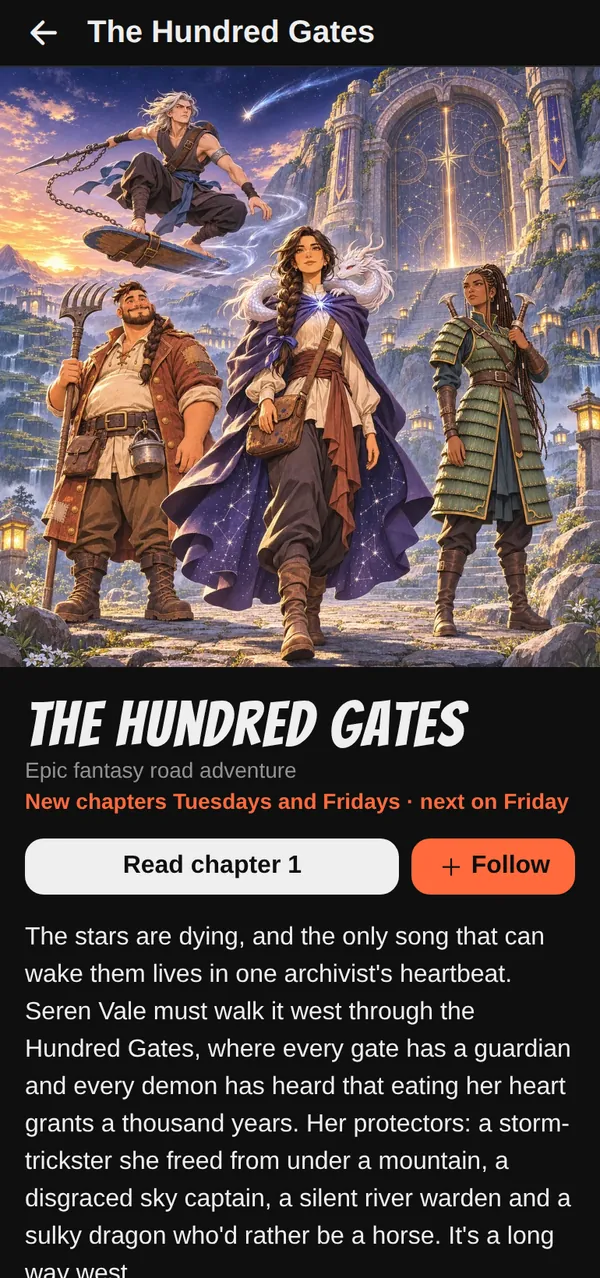
To be clear about what you get: Laftel Webtoons has two original series, not a large catalog.
- Hollow Road: Cal and Wynn Marrow inherit their vanished father's pickup and a ledger of bargains made with the Hollows. A dark supernatural road story, new on Mondays and Thursdays.
- The Hundred Gates: the stars are dying, and the only song that can wake them lives in Seren Vale's heartbeat. A fantasy road adventure with humor and heart, new on Tuesdays and Fridays.
How reading works in the app:
- Install Laftel Webtoons from Google Play and open a series from Home.
- Tap Read chapter 1 and scroll down. Tap the screen to show or hide the bars.
- Tap Follow to keep the series in your Library. The app remembers where you stopped.
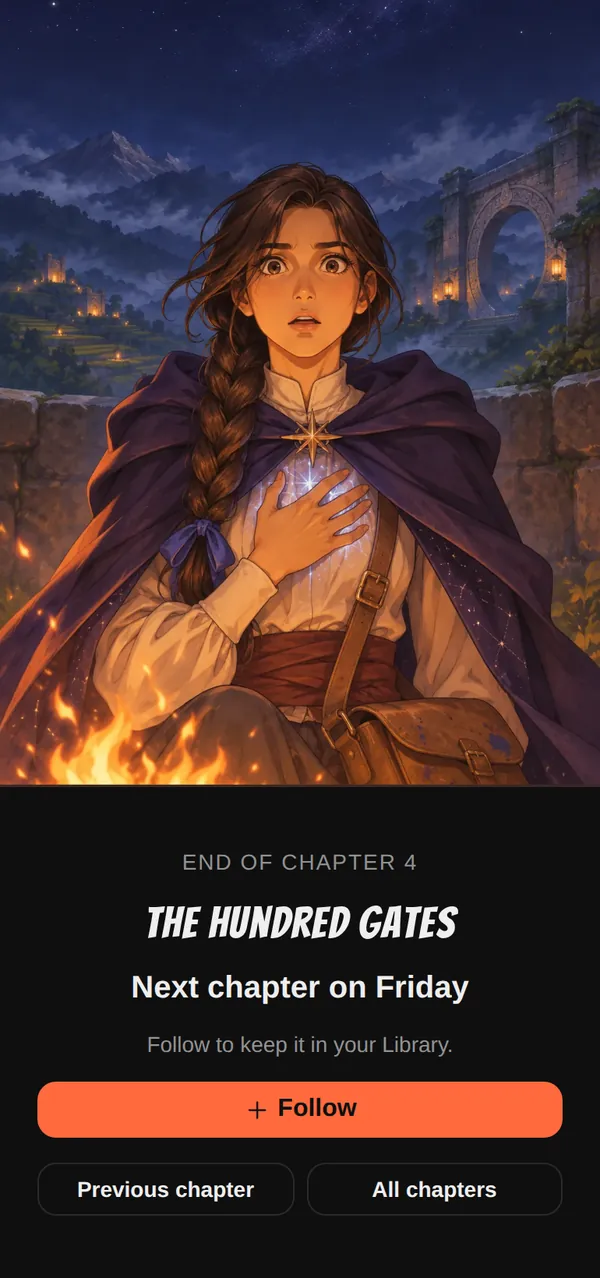
- At the end of a chapter, the app tells you when the next one comes out.
The app does not send notifications, so come back on the release days. Laftel makes both series itself, with AI assistance for the art and the writing, and each chapter is reviewed and approved before it is published. The app does send Laftel its own analytics, such as which chapters are read and crash logs, and shares no data with anyone; the privacy policy has the details.
Need help?
Questions about the app? Email webtoons@laftel.io. See also Support.
Get Laftel Webtoons
Free, no ads, no account. Every chapter is free to read, and there is nothing to buy.